Call us now: 03-9341686
Hovavey Zion 46, Petah Tikva










































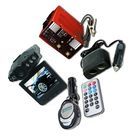
Basic operations
The clock is not connected to the network, - the LED indicator is on for about a minute (lights up when the ight / snz button is pressed)
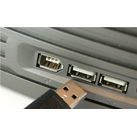
The clock is connected to the network via a USB cable - the LED indicator is always on
Time setting
Press the "Mode" button and hold until "24 Hr" is displayed on the screen
Press the "Mode" button again
The first digit starts blinking (hours)
Press the "Up" or "Down" button to set the clock
We press "Mode". The second digit (minutes) starts blinking.
Press the "Up" or "Down" button to set the minutes
Date setting
We press "Mode". The inscription 101 appears
Press "Mode" and hold until "2022" is displayed
Brand:
Gaosii0
Related products
Bestsellers

Featured products
-54%

-49%


© 1999-2026 Gamby. Powered by AnyWeb.co.il