










How to Choose a Smart Home Security Camera: Placement, Installation, and Recording Options
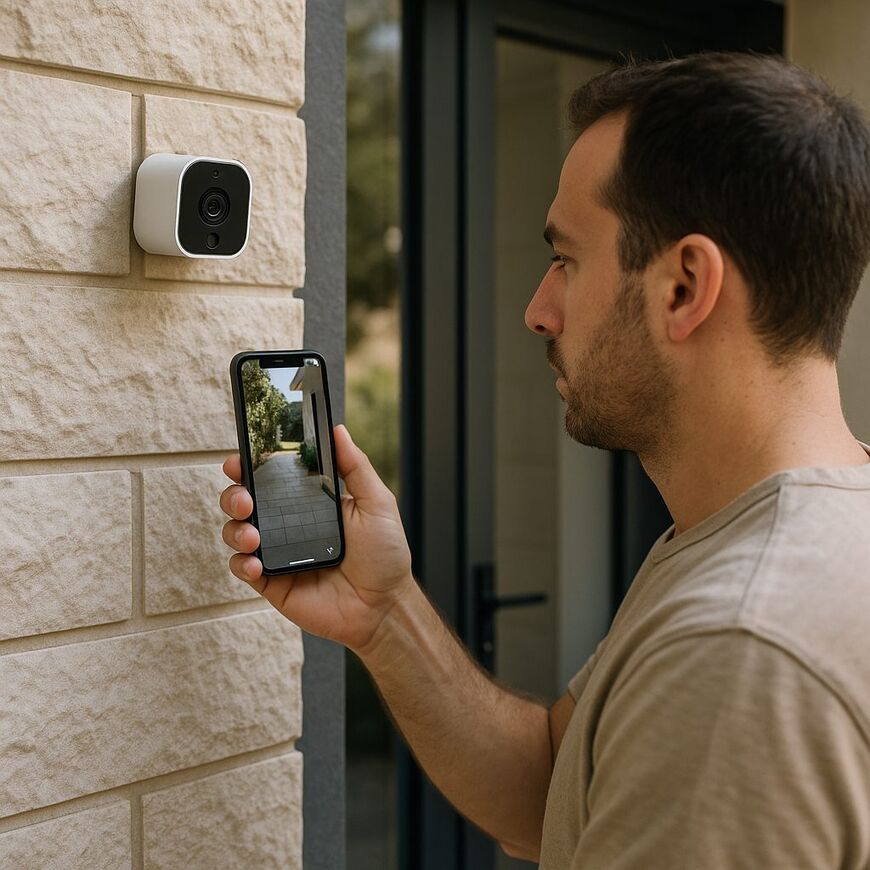
Choosing a security camera starts with a simple question: where do you want to install it, and what do you need to see? A camera placed indoors to monitor the entrance may not be suitable for a balcony or yard, where it needs to withstand the weather and accommodate different installation options.
Decide in advance whether live viewing is enough or whether you also want to review recordings. Then check whether the model suits the location, how it connects to power and your network, its image quality, and the alerts it can send. Live streaming does not necessarily mean that footage is saved, so check separately what storage options are available and whether they involve additional costs.
Choose a Camera for Its Location and Purpose
Where you install the camera affects how many cameras you may need and how you should position them. If your goal is to monitor the entrance, one camera pointed toward it may be enough. If you want to keep an eye on several areas, check whether you will need additional cameras. An adjustable camera can change its viewing direction, but it points in only one direction at a time and may not monitor several areas simultaneously. Your choice depends on whether you want to focus on one area at a time or view several areas together.
Indoor or Outdoor Installation?
An indoor camera is designed for use inside the home. An outdoor camera needs to suit the conditions at the installation site, such as rain, dust, or direct sunlight; placing it under an awning does not guarantee that it is suitable for outdoor use. Before buying, check that you can point it toward the area you want to monitor and that the location has a reliable network connection and access to power, if required by the model. Indoors, also make sure the camera can capture the area you need without including unnecessary spaces in the frame.
An IP rating such as IP65 can help when comparing models, but the rating alone does not confirm that a camera is suitable for your specific installation conditions. Check the model specifications and manufacturer’s instructions to find out what conditions it is designed for and how it should be installed. The ESCAM TY100 product page describes the camera as suitable for outdoor use. The IC-FIX7 PRO product page also lists outdoor use and Tuya compatibility. These details appear on the store’s product pages; before purchasing, verify them against the manufacturer’s specifications and installation instructions, and make sure the camera suits the conditions at your location.
Check Where You’ll Install the Camera and How It Gets Power
The term “wireless” usually refers to how the camera sends footage over the network—not to whether it operates without a power cable. A camera that connects to a wireless network can stream video to an app without a network cable, but it may still need to be plugged into an outlet. Check whether the model uses a continuous power connection or a battery, and whether the intended location has a strong enough signal. Some models may also support a wired network connection; check whether yours does and whether that option suits your installation location.
For a camera with a continuous power connection, check whether an outlet needs to be nearby and whether the cable can be routed without getting in the way. For a battery-powered camera, review the specifications for battery life and charging requirements. For example, the SMARTR 1080P / HD rechargeable portable Wi-Fi security camera is listed on the store’s website as a rechargeable model. Check its specifications to find out how long it runs between charges and what is required to recharge it. It is also a good idea to check how the camera connects to the app in advance, especially if network access at the installation site is uncertain.
Match Image Quality to the Distance and Lighting
Higher resolution can capture more detail, but it does not guarantee a clear image on its own. The distance from the camera, lighting, and viewing angle also affect what you can identify. Think about what you need to see—for example, a person at the entrance or movement in the yard—and check whether the model has sample footage recorded in similar conditions.
The viewing angle affects how much of the scene appears in the image: a wide angle is suited to a larger area, while a narrower angle focuses on a specific point. Make sure the area that matters is visible and that details such as faces or objects will not appear too small because of the distance. If the manufacturer provides a sample, check the camera’s performance in low light as well. The camera may detect movement without capturing enough detail to identify a person or object. The results depend on the distance and lighting conditions at the installation site.
Check the Available Alert Settings
Motion detection sends an alert when the camera detects a change in the image, such as someone entering the monitored area. Some models let you choose which parts of the image trigger detection or adjust the sensitivity. Options vary by model, so check what you can configure in the app. Even with adjusted settings, alerts do not guarantee accurate or complete detection: the camera may send unnecessary alerts or fail to detect an important event. Test how the alerts work at the intended installation location.
Settings are especially important if there is constant movement in front of the camera, such as tree branches swaying in the wind. Check whether you can exclude part of the image from detection or reduce sensitivity. If the camera is pointed at an entrance, also find out whether you can set active hours and receive alerts only at the times you want.
The product page for the IP 3MP baby monitor lists motion and crying detection. Before buying, check the specifications and app to see how detection works and which alerts you can configure.
Live Viewing Doesn’t Guarantee Access to Recordings
An app lets you see what the camera is capturing at a given moment, but not every model lets you replay footage of past events. Recordings are usually saved to a memory card in the camera or to an online service provided by the manufacturer or service provider; some models support both options. Check whether the camera records, where footage is stored, and how long it is kept.
- Memory card: Check whether the camera supports a memory card and whether one is included or sold separately. Also find out what happens when the card is full: are older recordings deleted, or does recording stop?
- Cloud storage: Confirm that the service is available for the model, find out which options are free, and check whether viewing or saving recordings requires a subscription.
- Live streaming only: Check whether you can also save recordings and review them later, or whether the camera only lets you view what is happening in real time.
Retention time is how long recordings remain available before they are deleted or overwritten. It depends on the model, settings, and service plan. Being able to view the camera remotely without a subscription does not mean recordings are also stored for free. With memory card storage, the number of recordings you can keep depends, among other things, on the card’s capacity and your recording settings. For cloud services, check what happens when a trial period ends or you cancel your subscription.
Before purchasing the ESCAM Button Q6, check the product page and service terms to see which storage options are available and whether they involve additional costs. Terms such as “recording” or “remote viewing” do not, on their own, clarify whether you can save videos and watch them later.
Check the Costs and What’s Included in the Box
Before placing your order, review the list of included items and the service terms. Check whether a memory card is included, whether cloud storage costs extra, and what the service plan includes. If a trial period is offered, confirm which features will remain available after it ends. This helps you calculate the long-term cost rather than relying only on the camera’s purchase price.
For a camera intended for outdoor installation, refer to the specifications for that specific model and make sure its weather-resistance rating suits the conditions at the installation site. Features of one camera do not necessarily apply to other models.
Secure Camera Access and Check the Viewing Angle
A camera connected to an app and account should be secured like any other smart device in your home. If default login credentials have been set for the camera, change them according to the manufacturer’s instructions and choose a unique password. Install security updates and check how long the manufacturer will support the product. Once support ends, the camera may no longer receive security updates. If the app offers two-factor authentication—a second sign-in step in addition to your password—you can enable it. This feature is not available with every model or service.
Share account access only with people who need it, and check in the app who has permission to access the camera. It is also a good idea to check periodically for camera or app updates and install them according to the manufacturer’s instructions.
Camera placement also affects privacy. Point it at the area you want to monitor, and try to avoid including neighbors’ windows, private spaces, or parts of your home unrelated to the camera’s purpose. Before fixing it in place, check the image in the app from different angles and at different times of day. This helps you confirm that the area you want to monitor is clear and that other spaces are not unnecessarily included in the frame.
What to Check Before Choosing a Model
When comparing cameras, review the following points and verify the details on the product page and in the service terms:
- Location: Is the camera designed for indoor or outdoor use, and do its specifications suit the conditions at the installation site?
- Connection: What power source does it need, and how does it connect to your home network?
- Image quality: Is the picture clear enough for your needs, and is the night-time image quality sufficient?
- Alerts: Which types of alerts are available, and can you adjust them for your home?
- Recordings and costs: Does the camera record, and what storage options are available? Check whether additional fees apply.
- Security and privacy: Does the manufacturer provide updates, when does support end, what account security features are available, and can you point the camera at the area you want to monitor?
If any detail is unclear, check the model specifications and service terms before buying. Compare models based on where you’ll install them and how you plan to use them—not on a single feature.


